Feedback mode — review-mode refinements
Branch feat/feedback-mode-refine (PR #443) on staging · next.trustead.app · captured headless at desktop 1280 + mobile 390
The four refinements
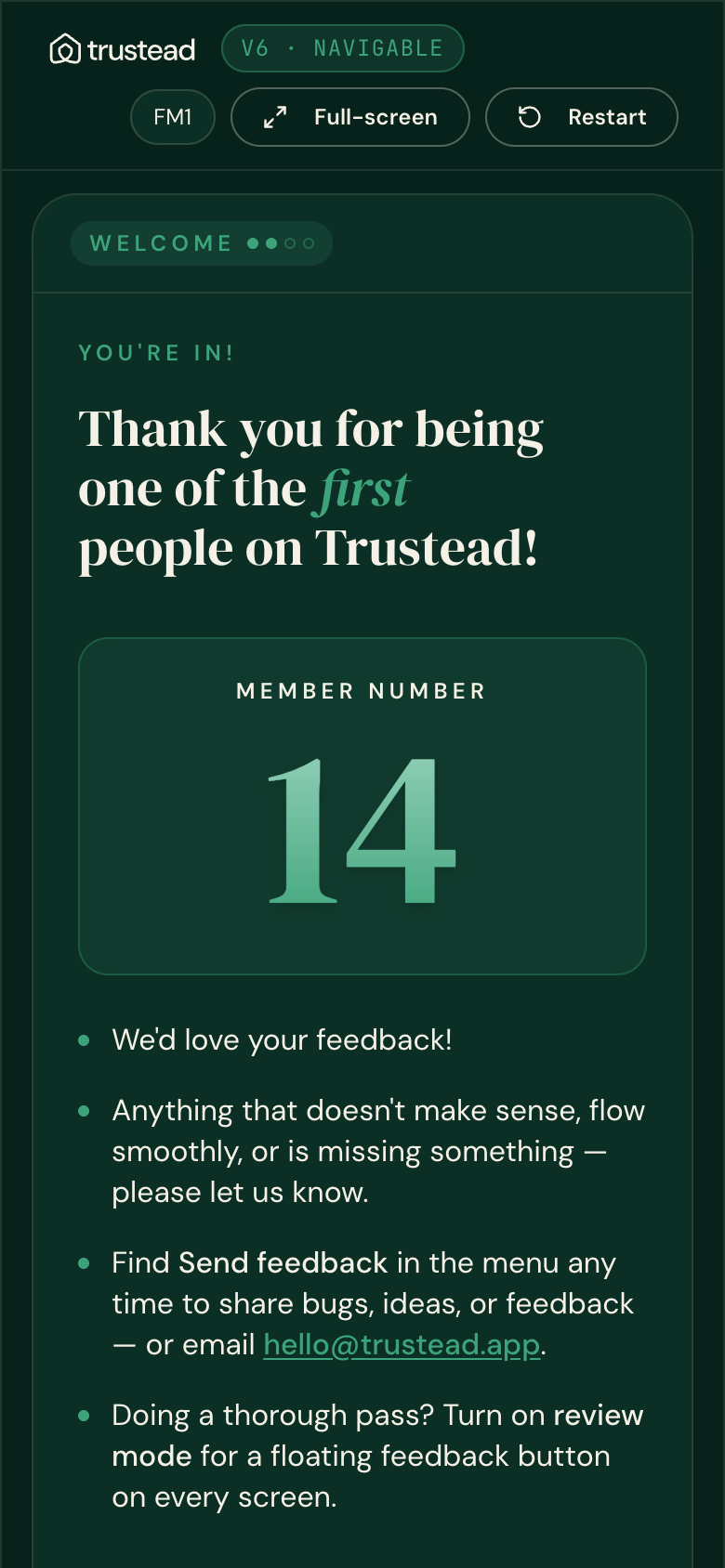
Onboarding FM1 slide real component · live staging
The real OnboardingV6Takeover slide rendered from staging. New copy points to the menu Send feedback link, then the Review mode toggle row (the shared control) sits below — starting OFF. No horizontal overflow at 390.

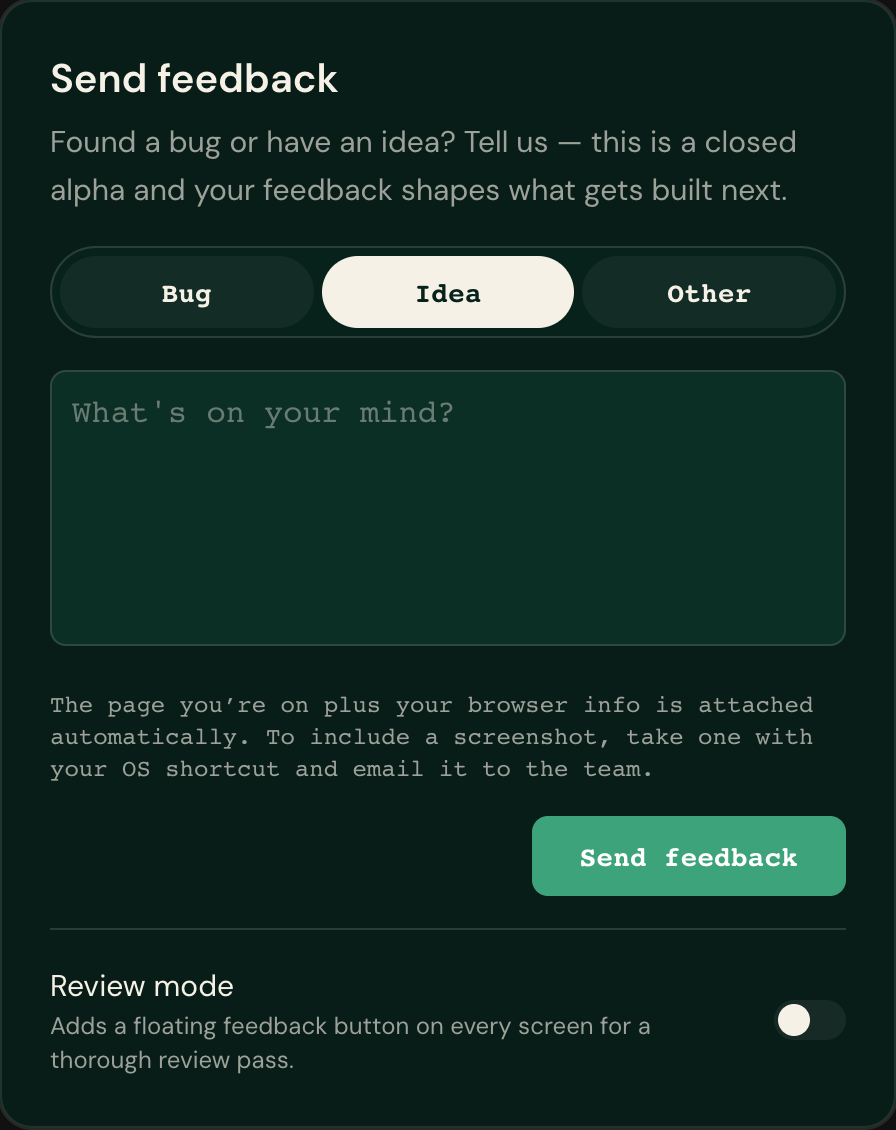
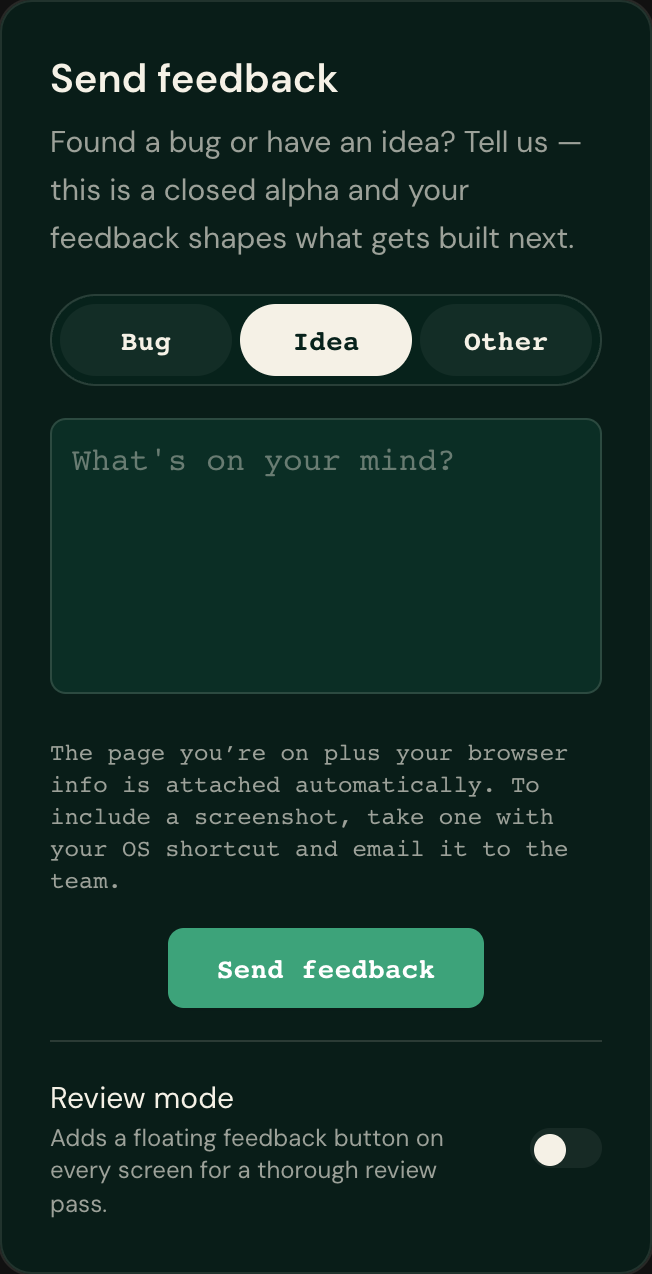
Feedback modal — review-mode toggle at the bottom design replica · live staging
The feedback panel’s static design replica (dev proof route /dev/pill-proof). The real in-app modal uses the same shared ReviewModeToggleRow shown on the FM1 slide above. The Review mode toggle is pinned at the bottom, below the border, OFF.
Account menu (desktop + mobile) & FAB-hidden-by-default signed-in · pending CI capture
These surfaces only render for a signed-in user. Staging runs on a live Clerk instance, so a signed-in capture needs the CI Clerk secret (it can’t be done from a local shell). The capture is fully wired: the workflow
feedback-mode-capture.yml signs in via a one-time ticket and shoots the FAB-hidden-by-default home, the account/mobile menu with the review-mode switch to the right of “Send feedback”, toggle-on → FAB appears + persists across reload, and the real modal toggle. It becomes dispatchable the moment PR #443 lands on main.
Code-level confirmation (until the signed-in shots land)
| Refinement | Where it’s wired |
|---|---|
| 1 · FAB off by default | Migration 056 flips users.feedback_fab_hidden default → hidden + resets rows; API GET returns enabled only on an explicit stored false; the hook’s default state + absent-mirror both read hidden. Source-contract tests assert the launcher gate. |
| 2 · Toggle right of “Send feedback” | Both account-menu.tsx and mobile-nav.tsx render the “Send feedback” button (flex-1, opens panel) with <ReviewModeSwitch> as a sibling on the right. |
| 4 · Toggle at modal bottom | The modal renders <ReviewModeToggleRow source="feedback_modal"> at the bottom — the same component proven on the FM1 slide above. |